Community Data Import
The upload entry for community posts/comments, post images, and avatars simulation data.
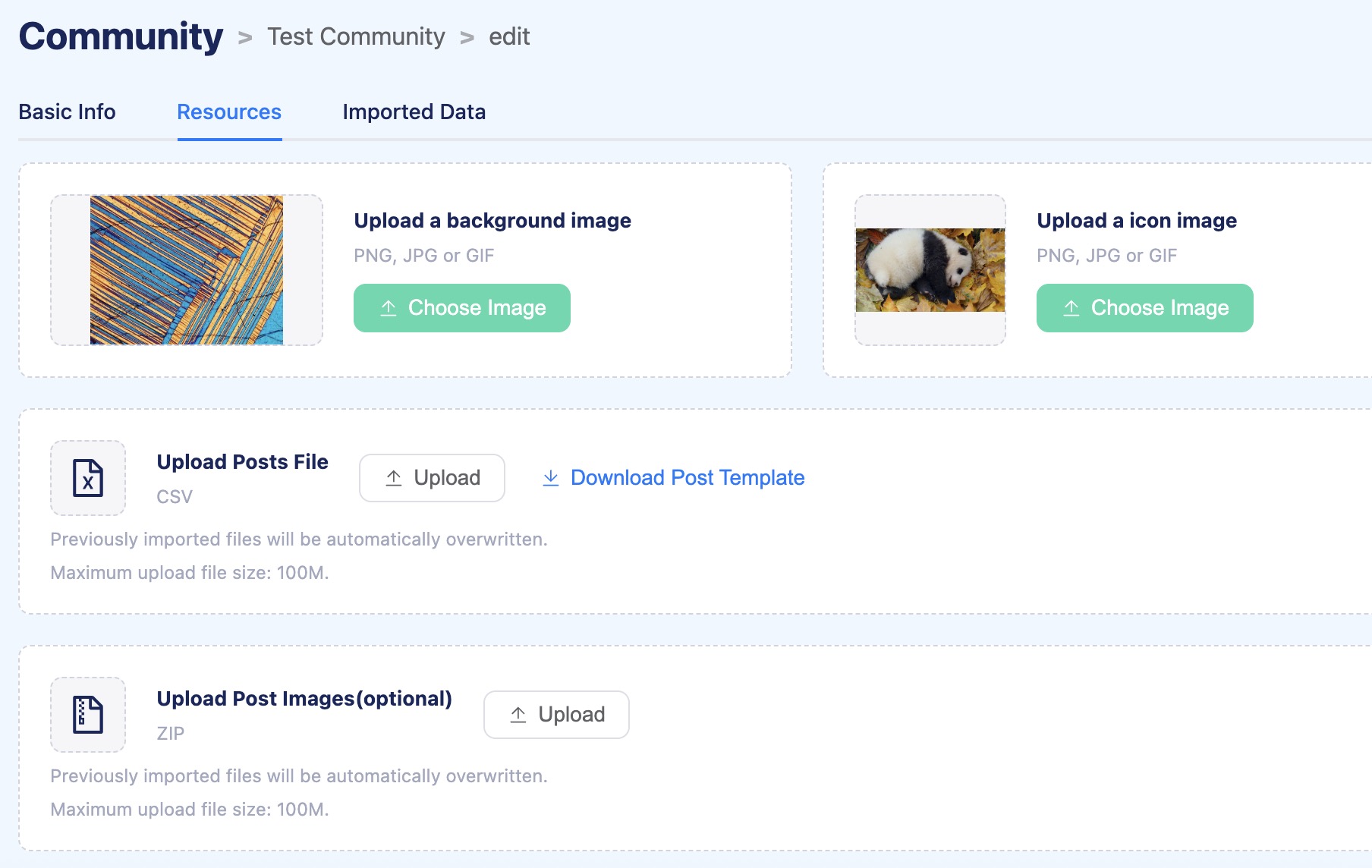
Post Data Import
First, please check if you have created simulating users in the previous import process. If not, don’t worry, simulating users will be automatically created based on Nickname(author_name field of post template CSV, see explanation of each column below) during this import process.
Second, download the template file of post data.
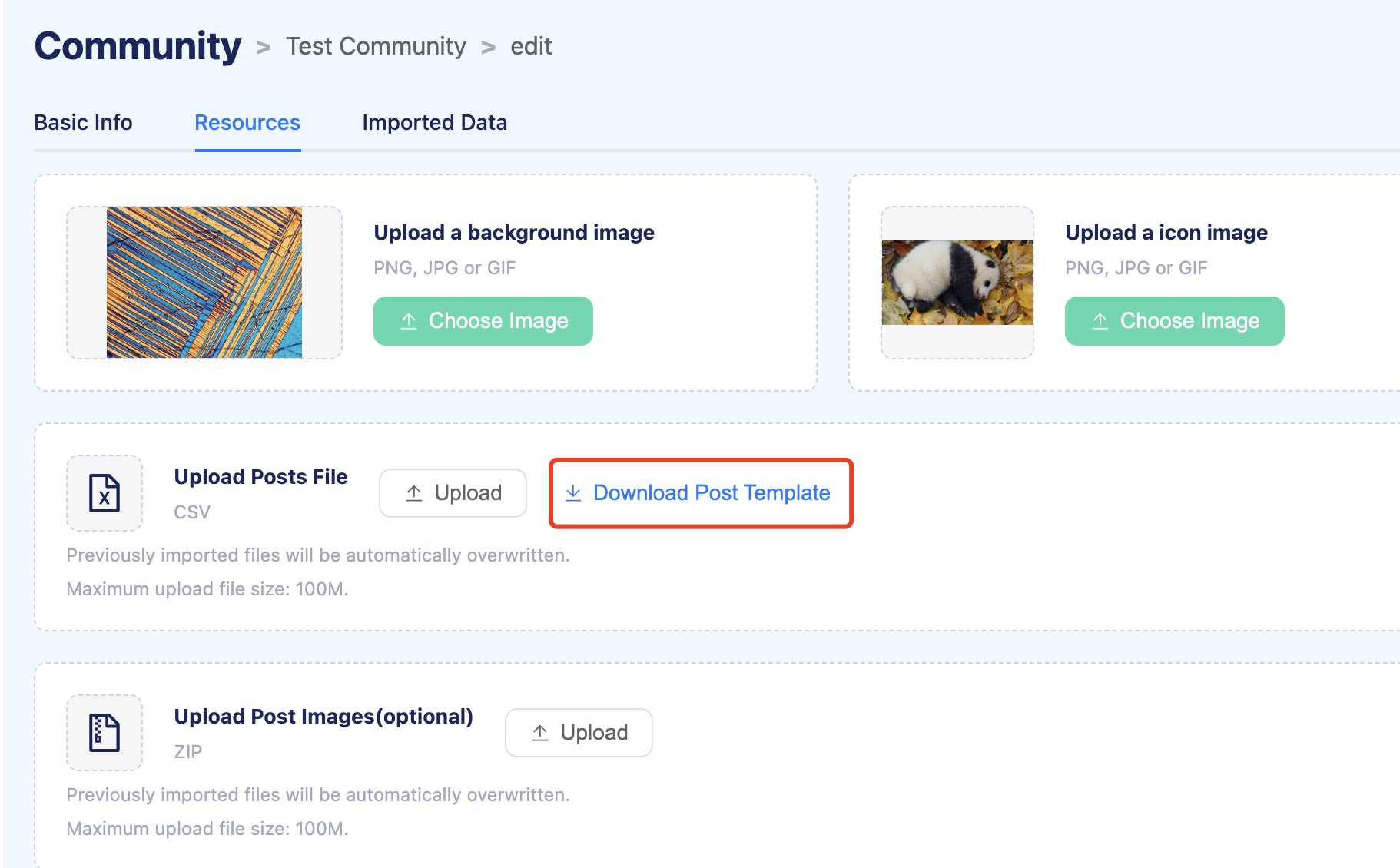
Third, fill in the data according to the template.
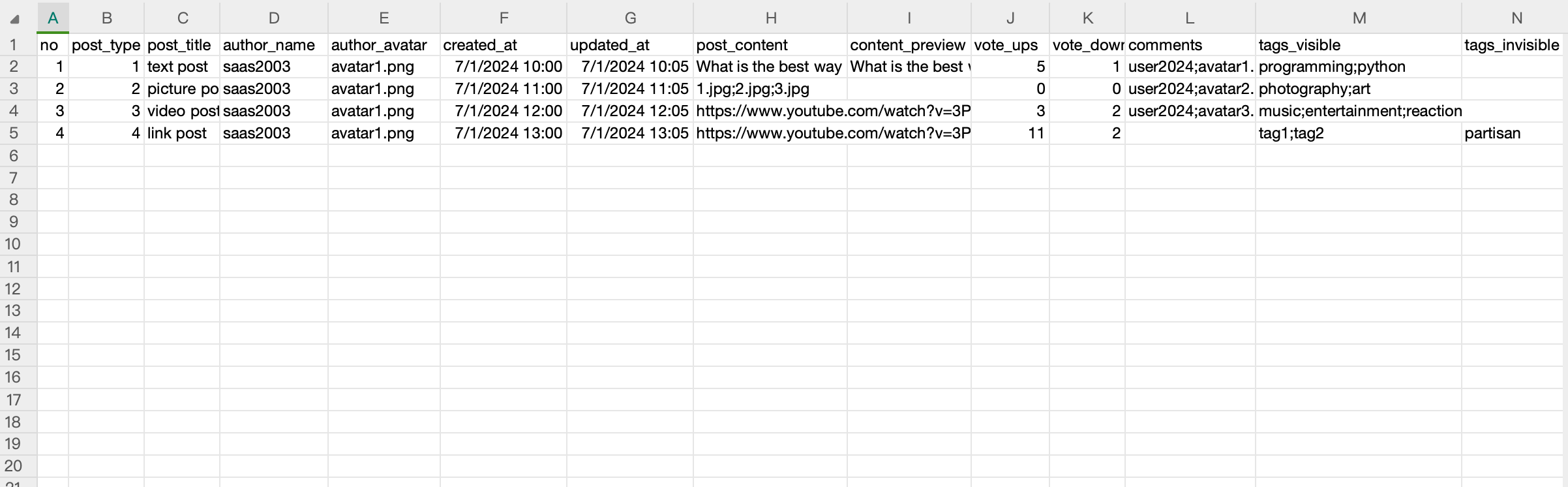
Here’s the format of the post data csv file:
no |
post_type |
post_title |
author_name |
author_avatar |
created_at |
updated_at |
post_content |
content_preview |
vote_ups |
vote_downs |
comments |
tags_visible |
tags_invisible |
|---|---|---|---|---|---|---|---|---|---|---|---|---|---|
1 |
1 |
text post |
saas2003 |
avatar1.png |
2024-07-01 10:00:00 |
2024-07-01 10:05:00 |
What is the best way to get started with Python? |
What is the best way to get started with Python? |
5 |
1 |
user2024;avatar1.png;Good idea;2024-07-01 10:10:00;2;1;;user2024;avatar2.png;I have no idea;2024-07-01 10:15:00;0;0;;user2024;avatar3.png;Google it;2024-07-01 10:20:00;0;1 |
programming;python |
beginner |
2 |
2 |
picture post |
saas2003 |
avatar2.png |
2024-07-01 11:00:00 |
2024-07-01 11:05:00 |
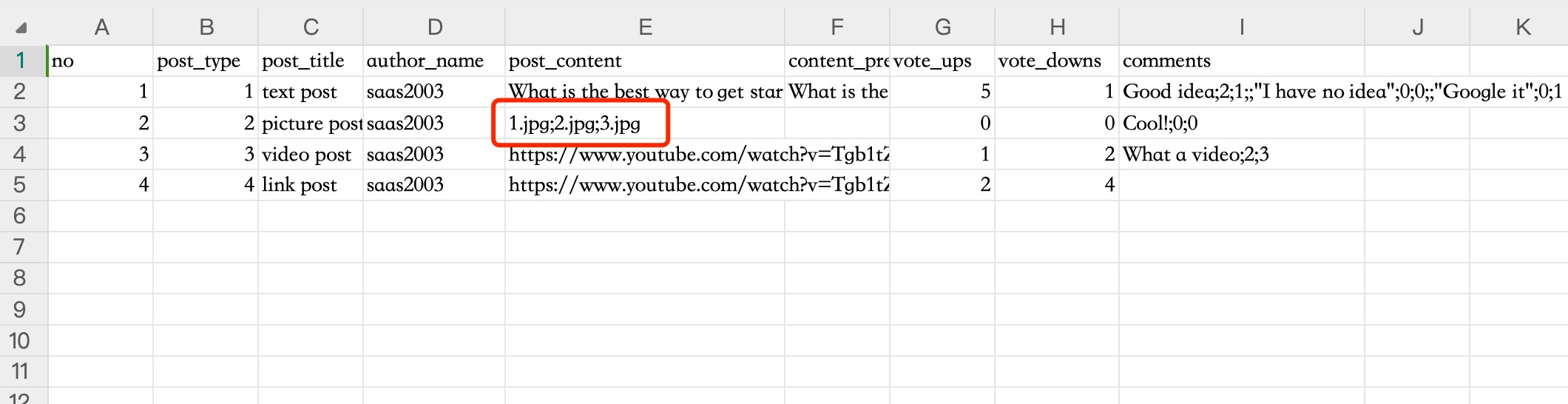
1.jpg;2.jpg;3.jpg |
0 |
0 |
user2024;avatar2.png;Cool!;2024-07-01 11:10:00;0;0 |
photography;art |
nsfw |
|
3 |
3 |
video post |
saas2003 |
avatar3.png |
2024-07-01 12:00:00 |
2024-07-01 12:05:00 |
https://www.youtube.com/watch?v=3PZ65s2qLTE |
3 |
2 |
user2024;avatar3.png;What a video;2024-07-01 12:10:00;2;3 |
music;entertainment |
reaction |
|
4 |
4 |
link post |
saas2003 |
avatar4.png |
2024-01-01 10:00:00 |
2024-01-01 10:00:00 |
https://www.youtube.com/watch?v=Tgb1tZZ6tsE |
11 |
2 |
tag_1;tag_2 |
partisan |
Explanation of each column:
Label |
Type |
Required |
Explanation |
Example Value |
|---|---|---|---|---|
no |
Integer |
Yes |
Post number, representing the unique index of the post |
1 |
post_type |
Integer |
Yes |
Post type: |
1 |
post_title |
String |
Yes |
The title of the post, summarizing its content |
text post |
author_name |
String |
Yes |
Nickname of simulating user. There should be no space in the middle of the nickname. |
saas2003 |
author_avatar |
String |
No |
The file name of the user’s avatar image. Ensure avatars are uploaded via the “Upload Post Images” before import. |
avatar1.png |
created_at |
DateTime |
Yes |
The date and time when the post was created |
2024-07-01 10:00:00 |
updated_at |
DateTime |
Yes |
The date and time when the post was last updated |
2024-07-01 10:05:00 |
post_content |
String |
No |
The full content of the post, the text submitted by the user |
What is the best way to get started with Python? |
content_preview |
String |
No |
A preview of the post content, usually a truncated version, required for text posts |
What is the best way to get started with Python? |
vote_ups |
Integer |
Yes |
The number of upvotes the post has received |
5 |
vote_downs |
Integer |
Yes |
The number of downvotes the post has received |
1 |
comments |
String |
No |
Comments formatted as |
|
tags_visible |
String |
No |
Tags visible to participants, separated by |
partisan |
tags_invisible |
String |
No |
Tags invisible to participants, stored in database only, separated by |
tag1;tag2 |
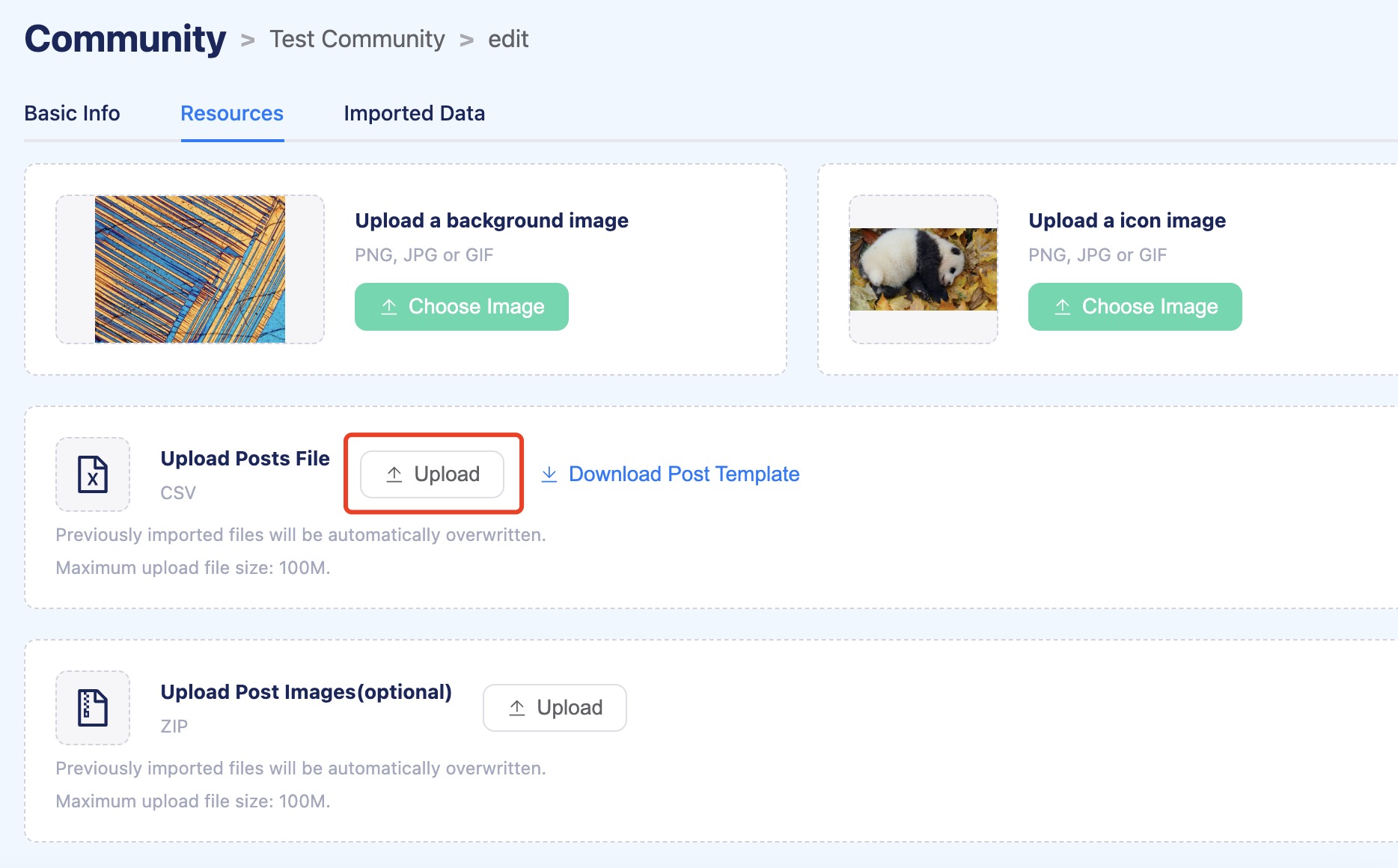
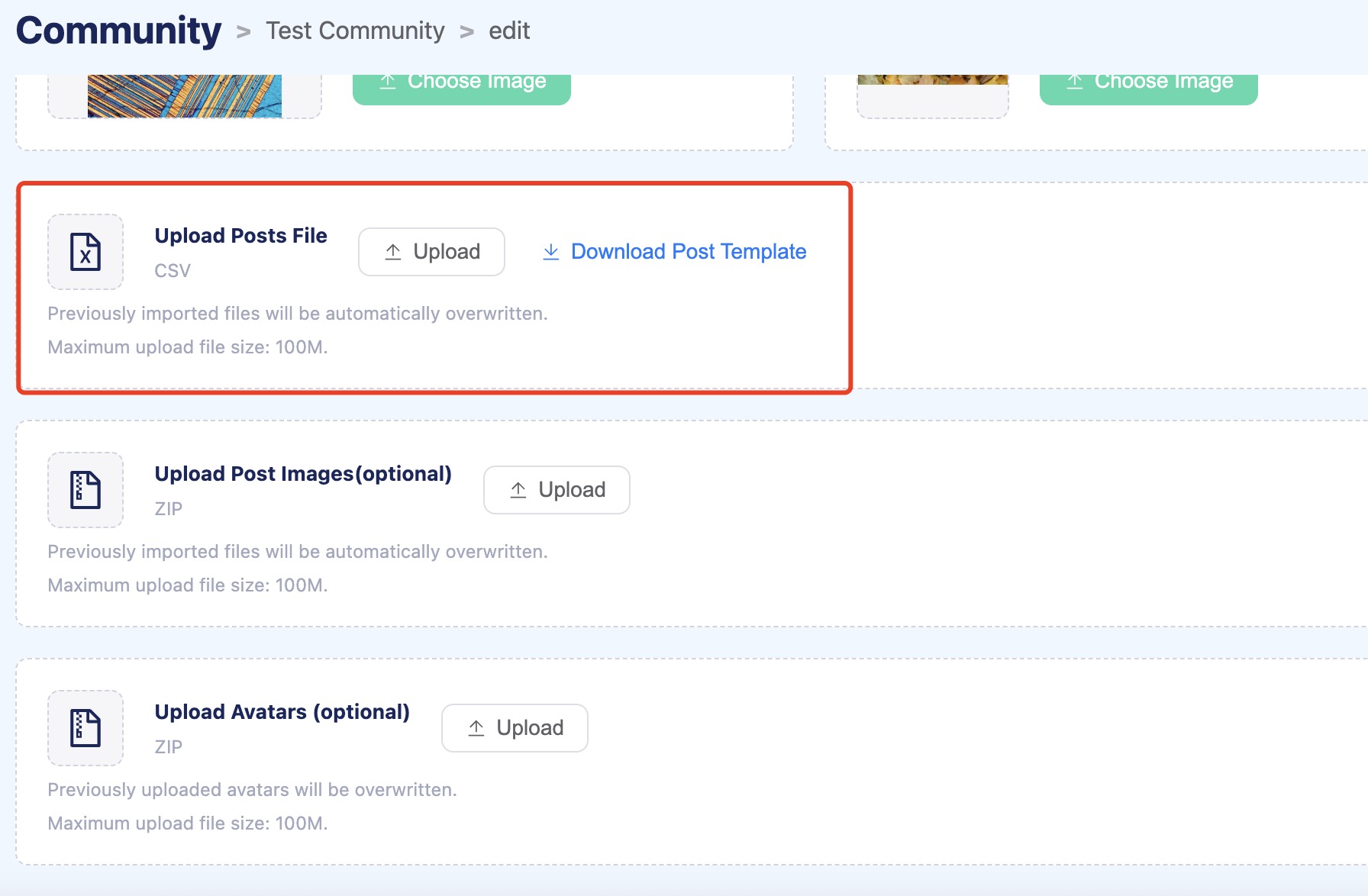
Forth, upload the post/comment CSV file by clicking the upload button.
Post Image Data Import
First, store all the images involved in the posts already uploaded in a single folder.
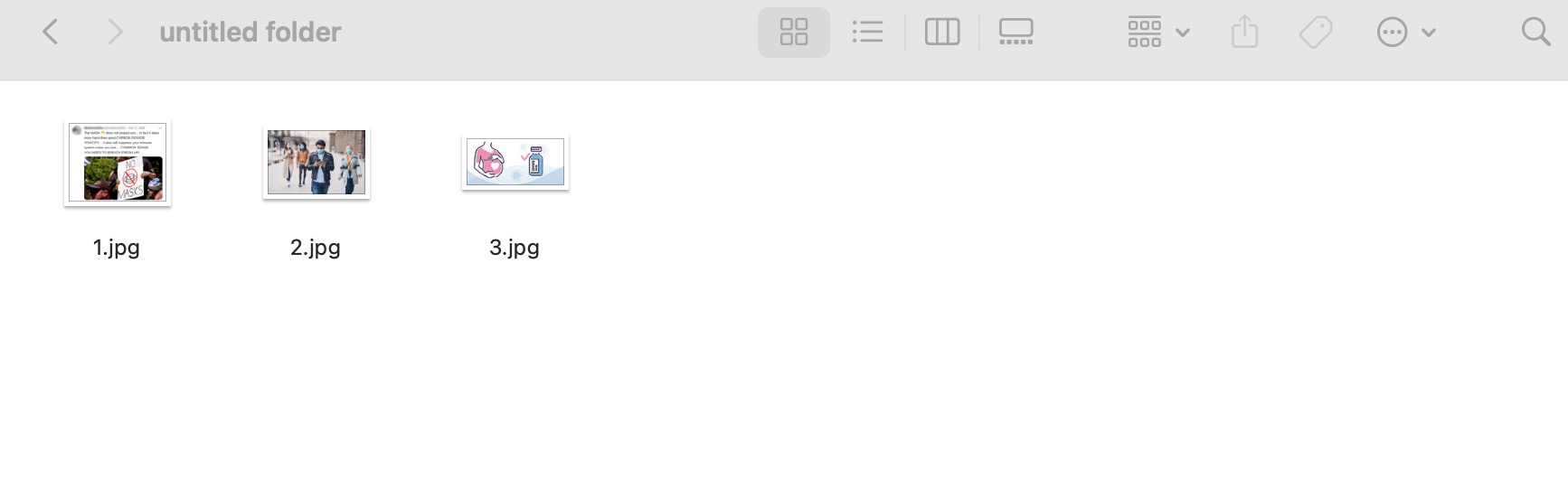
NOTE: The name of image files should be the same as the name of the name listed in the post data csv file.
Then, compress the folder into a zip file.
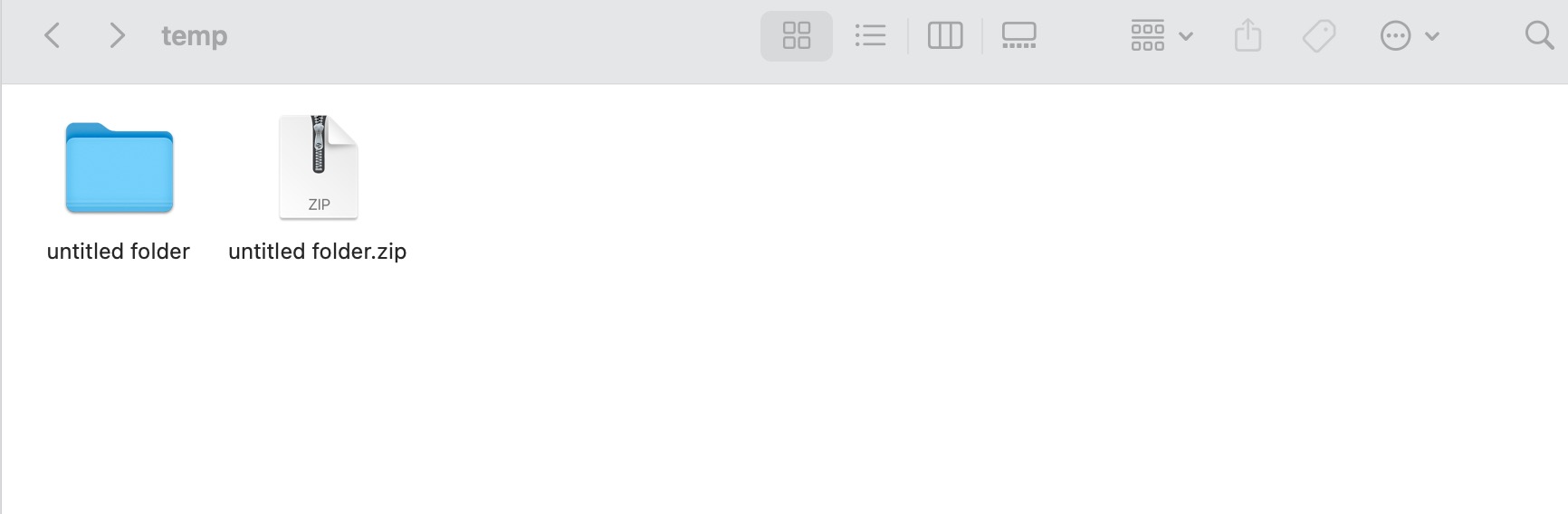
Finally, select the zip file to upload through the image upload button.
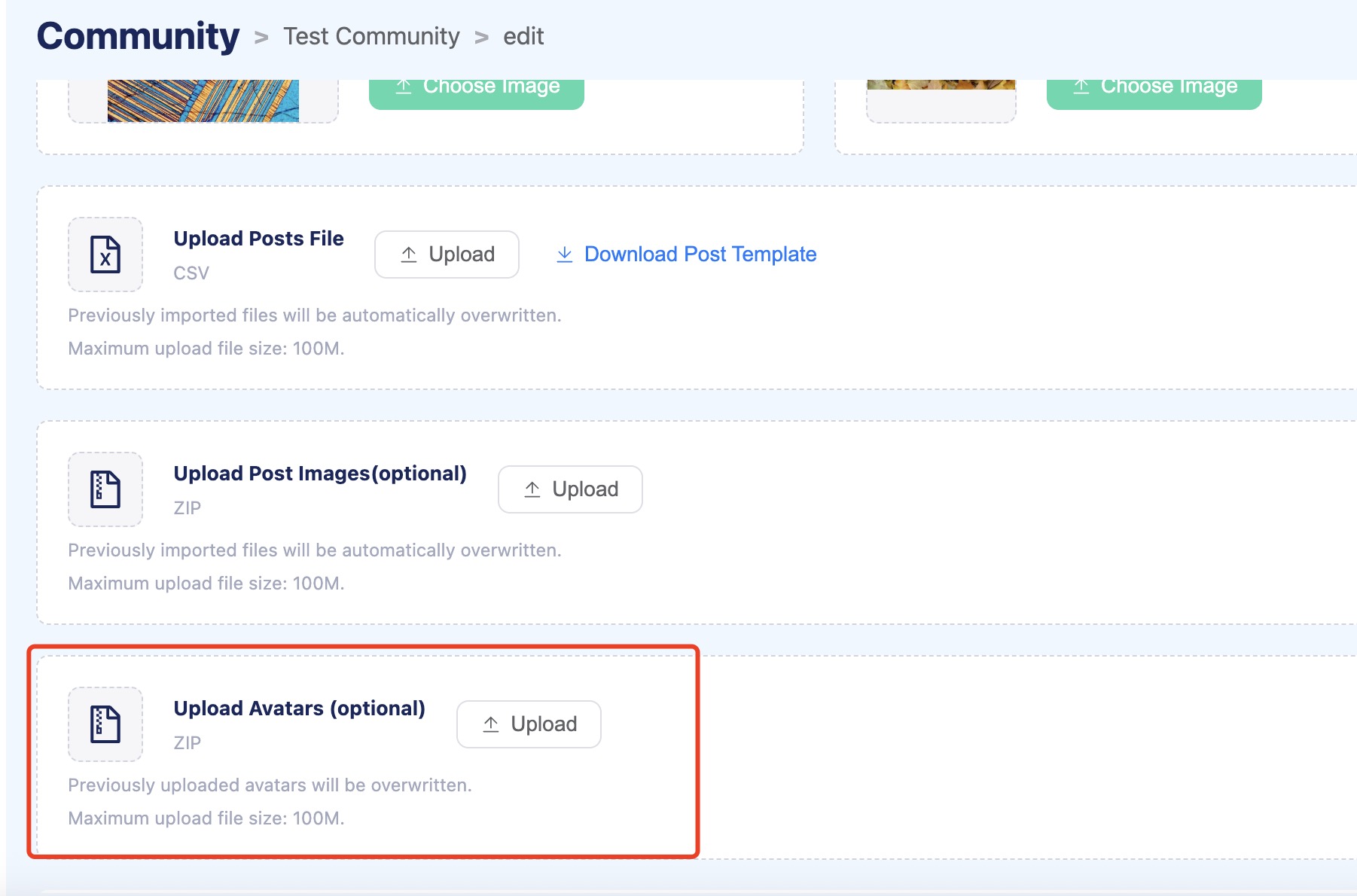
Avatar files Import
First, store all the avatars involved in the posts/comments already uploaded in a single folder.
Then, compress the folder into a zip file.
Finally, select the zip file to upload through the avatar upload button.
NOTE:
The post/comment image name and avatar name must exist in the uploaded csv file.
The uploaded avatars are only for the current community and cannot be used in other communities.